
빠른 테스트 흐름
간단 모드는 8/10/15초 빠른 실행을 제공합니다. 고급 모드는 완전한 프로토콜 및 전송 제어를 잠금 해제합니다.
Android Pro
휴대폰이나 노트북을 복잡한 실험실 UI로 만들지 않고도 반복 가능한 네트워크 테스트에 필요한 모든 것.
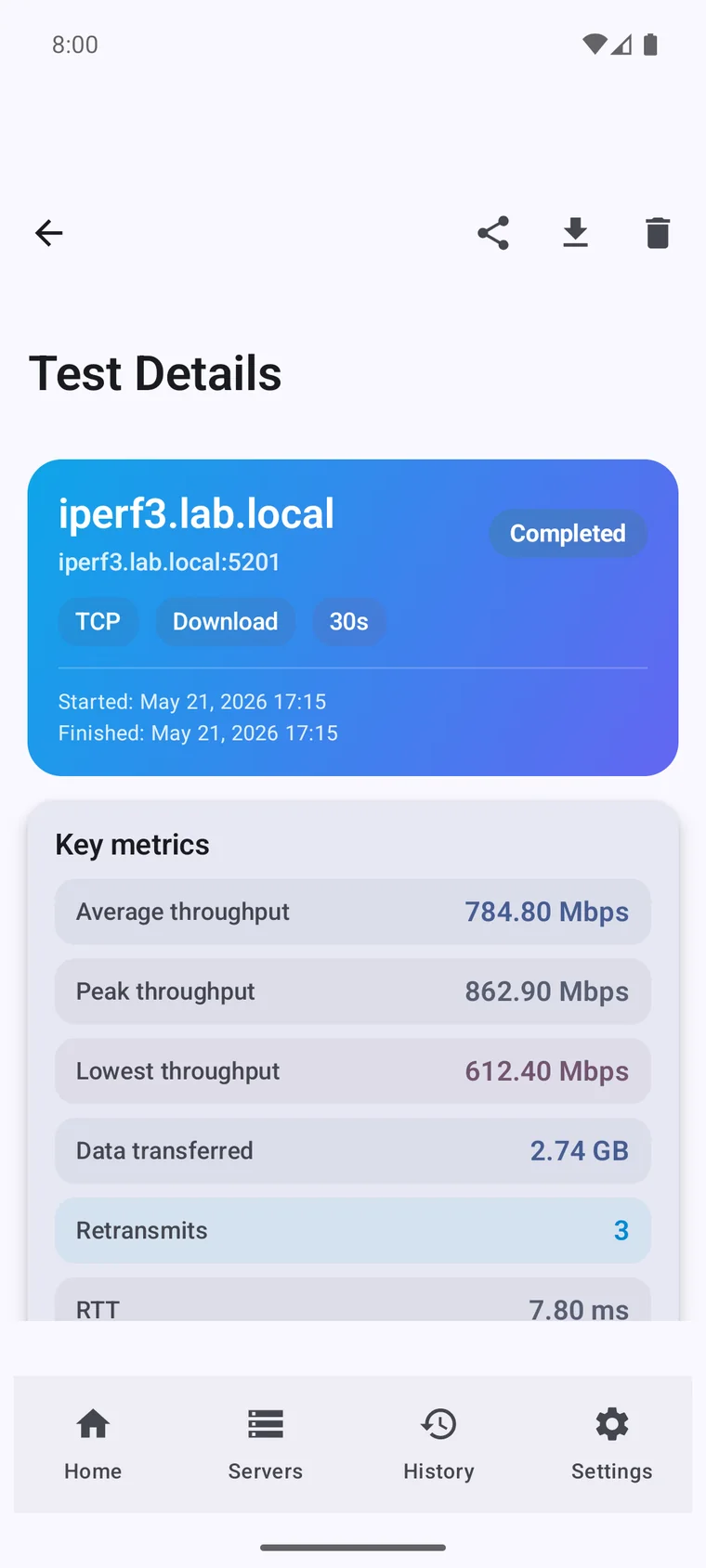
스와이프하거나 화살표를 사용하여 전체 제품 흐름을 탐색하십시오. 메인 프레임을 탭하여 전체 화면으로 여십시오.
사전 설정된 지속 시간으로 빠른 시작
프로토콜 및 방향 제어 (TCP/UDP, 역방향, 양방향)
앱을 설치하고 몇 분 안에 첫 번째 제어된 iPerf3 테스트를 실행하십시오.
휴대폰이나 노트북을 복잡한 실험실 UI로 만들지 않고도 반복 가능한 네트워크 테스트에 필요한 모든 것.
간단 모드는 8/10/15초 빠른 실행을 제공합니다. 고급 모드는 완전한 프로토콜 및 전송 제어를 잠금 해제합니다.
프로덕션 시나리오에 맞게 지속 시간, 스트림, 대역폭 제한, 창 크기, MTU, 방향 등을 조정하십시오.
더 깊은 분석을 위해 처리량, RTT, 재전송, 지터, 패킷 손실 및 구간별 동작을 추적하십시오.
iperf3는 무료 오픈소스 CLI입니다. 이 앱은 그 위에 구축된 네이티브 워크플로로, 터미널이 다루지 못하는 환경과 작업을 위한 것입니다.
기반이 되는 iperf3 엔진은 오픈소스입니다. 이 앱은 그 주위에 인터페이스, 기록, 차트, 자동화를 더합니다.
App Store, Mac App Store, Google Play의 실제 5점 리뷰.
I use it on iPhone, iPad and Mac to test real network speed over Ethernet (1 Gb and 2.5 Gb) and Wi-Fi 7. Really useful tool. Very satisfied with the interface and features. Highly recommend it.
The app is beautifully crafted and has a lot of functionality. Results are precise and you can tweak the tests. Very good!
Works great. Can be used both as a client and as a server, in advanced mode and to view graphs.
Able to move from site to site and test from different environments. The developer responded quickly and I was able to update and get it working asap!
Works great, very nicely done app! You deserve a beer!
Vladimir has done a perfect job on both the Android and macOS versions. My life has become so much easier. Forever grateful!